CRM and SIS Serve Different Purposes
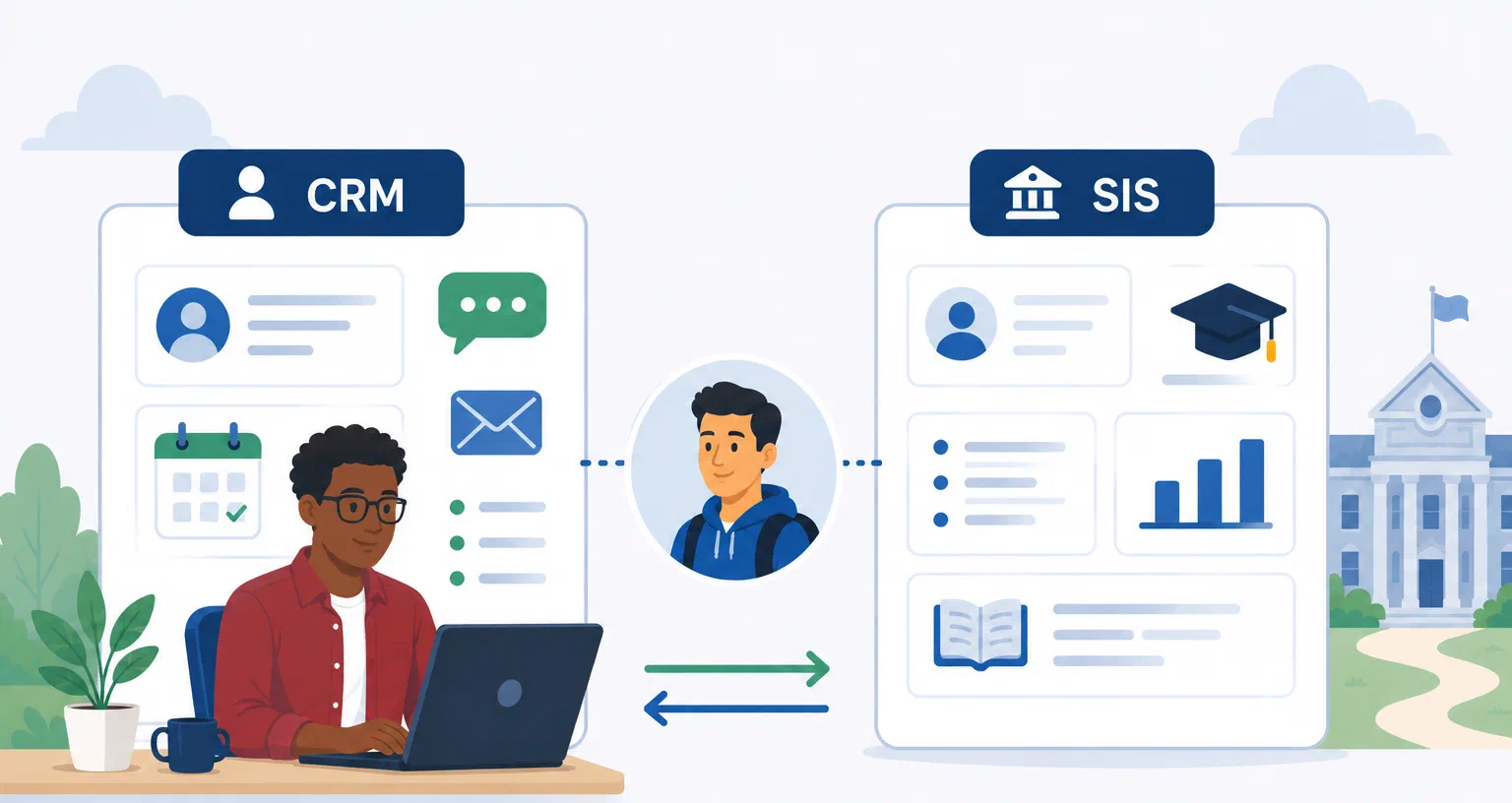
Colleges and universities often use both a customer relationship management system (CRM) and a student information system (SIS).
Although the two systems may contain some of the same student information, they serve different purposes.
An SIS is generally the institution’s system of record for official student information. A CRM is focused more on managing relationships and interactions with prospective students.
Understanding the difference can help colleges determine what each system should do and how they should work together.
What Does a Student Information System Do?
A student information system manages official student records and information related to a student’s enrollment at the institution.
An SIS may contain information such as:
- Student enrollment status
- Academic programs and majors
- Courses and grades
- Academic records
- Other official student information
The SIS becomes particularly important once a student is enrolled and serves as a central source of information for many academic and administrative processes.
An SIS can contain information about prospective students and applicants as they move through the enrollment process, but managing prospective-student relationships is not its primary purpose.
What Does a Higher Education CRM Do?
A higher education CRM is designed to help colleges manage relationships with prospective students.
A CRM can help recruitment teams track inquiries, communications, campus visits, recruitment events, counselor activity, and other interactions that take place before and around enrollment.
For example, a counselor might use a CRM to see that a prospective student requested information about a program, attended an open house, received several communications, and recently contacted the admissions office.
That kind of relationship and engagement history is central to a CRM.
For a broader explanation, see our guide to student CRM software.
CRM vs. SIS: The Key Difference
The simplest way to think about the difference is this:
The SIS manages official student information. The CRM manages relationships and engagement.
The systems may overlap in some of the information they contain, but they answer different questions.
An SIS might help an institution answer:
- Is this student enrolled?
- What program are they in?
- What courses are they taking?
- What is their academic record?
A CRM might help answer:
- How did this student first engage with the institution?
- Which recruitment events have they attended?
- What communications have they received?
- Which counselor has been working with them?
- Where are they in the recruitment process?
The distinction is especially important before a student enrolls, when recruitment teams need to manage large numbers of prospective students and ongoing interactions.
How CRM and SIS Work Together
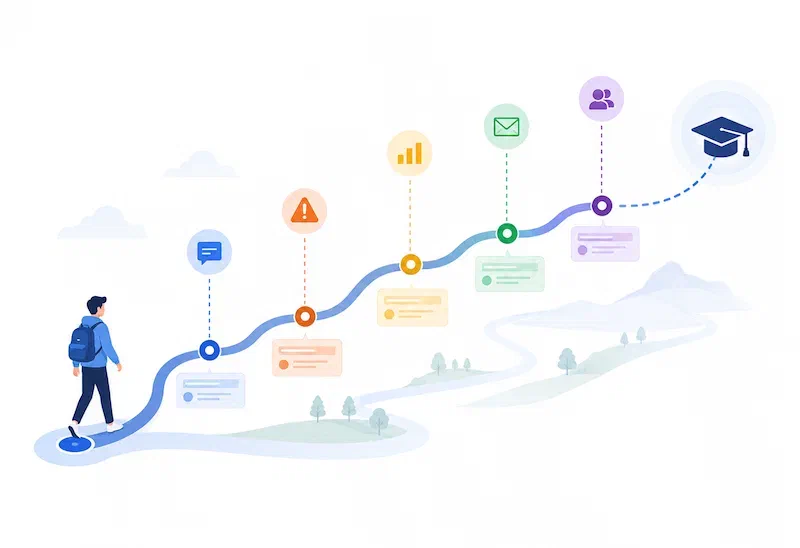
A CRM does not necessarily replace an SIS, and an SIS does not replace a CRM. Instead, the two systems can support different parts of the student journey.
A prospective student may first enter the CRM after requesting information from the college. The CRM can track recruitment activities and communications as the student moves toward an application. See how a student recruitment CRM can help colleges manage the enrollment pipeline for more on this part of the process.
Once the student applies or enrolls, information may need to move between the CRM, admissions systems, and SIS.
Keeping these systems connected allows each to do the job it was designed to do while giving staff a more complete view of the student.
How CRM and SIS Integration Works
The exact integration between a CRM and SIS varies by institution.
Some colleges may transfer information between systems on a regular schedule, while others may use real-time integrations or middleware to keep information synchronized.
The important consideration is deciding which system should be responsible for which information. A CRM may manage recruitment activities and communications, while the SIS remains the authoritative source for official enrollment and academic information.
Integration can also reduce duplicate data entry and give staff a more complete view of the student.
When colleges evaluate CRM software, the question is not whether the CRM can replace the SIS. A better question is whether it can complement the institution’s existing technology environment.
Bringing CRM and SIS Together
A CRM and an SIS are not competing versions of the same system. The SIS provides the official student record, while the CRM helps colleges manage the relationships and interactions that lead students toward enrollment.
When the systems work together, colleges can maintain a more connected view of the student journey while allowing each team to use the tools best suited to its responsibilities.
Jetstream is a higher education CRM designed around the way colleges recruit and communicate with prospective students. Explore Jetstream’s features to see how Jetstream can work alongside an institution’s existing systems.